RS Handheld Ordering
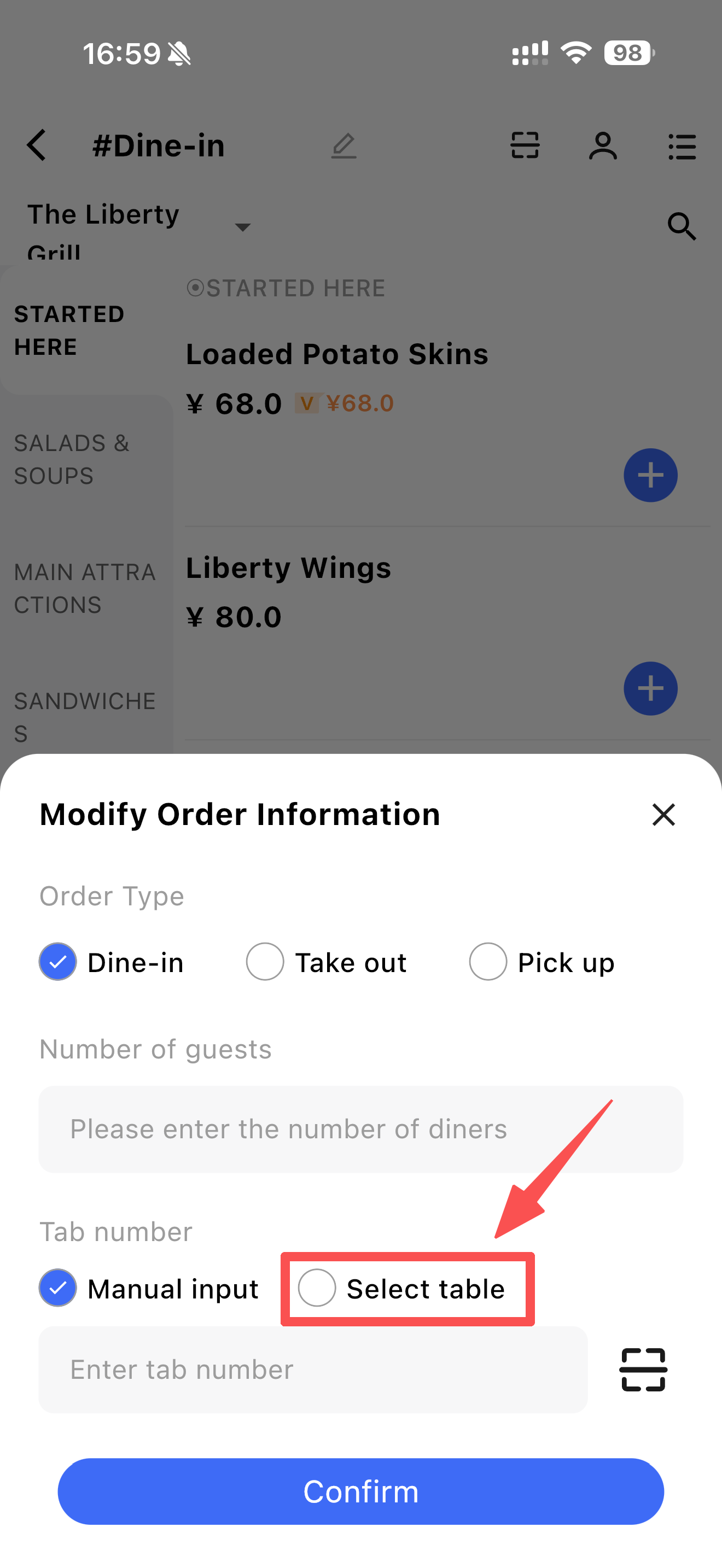
1 In Fast-Food Mode, can RS Handheld Ordering select a table number that is already occupied when modifying order information?
A: No, you cannot select an already occupied table. You can select an unoccupied table: simply click Select Table to choose an available table.
2 How to give complimentary dishes or cancel dishes in Ruishitong RS Handheld Ordering?
For individual dishes:
STEP 1: Tap the table to enter the ordering screen.
STEP 2: Tap the shopping cart.
STEP 3: Tap the dish you want to operate on and select the relevant function (comp or cancel).
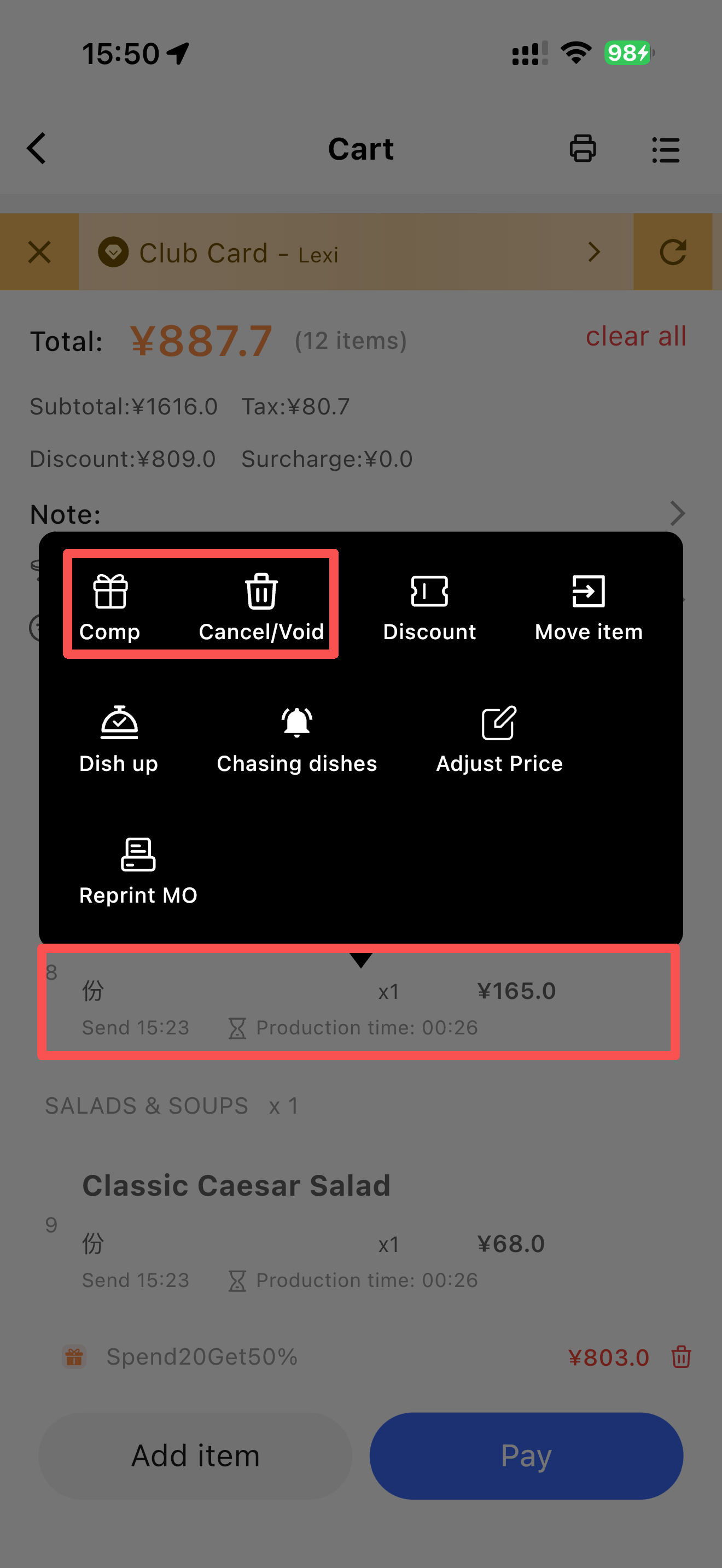
For batch operations:
STEP 1: In the shopping cart screen, tap the “≡” in the top right corner.
STEP 2: Select the desired operation, such as Comp.
STEP 3: Check the dishes you want to include, select the reason for the comp/cancel, and confirm.
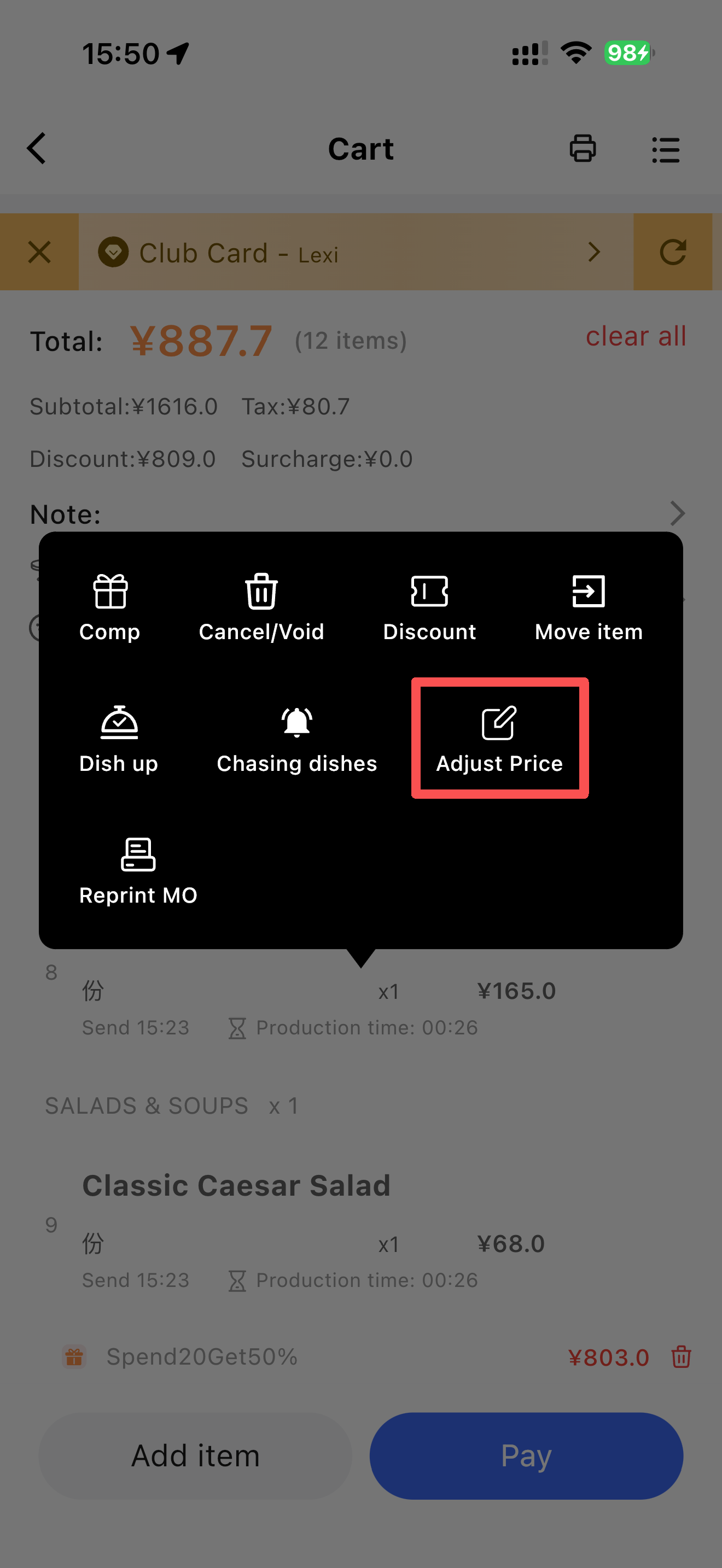
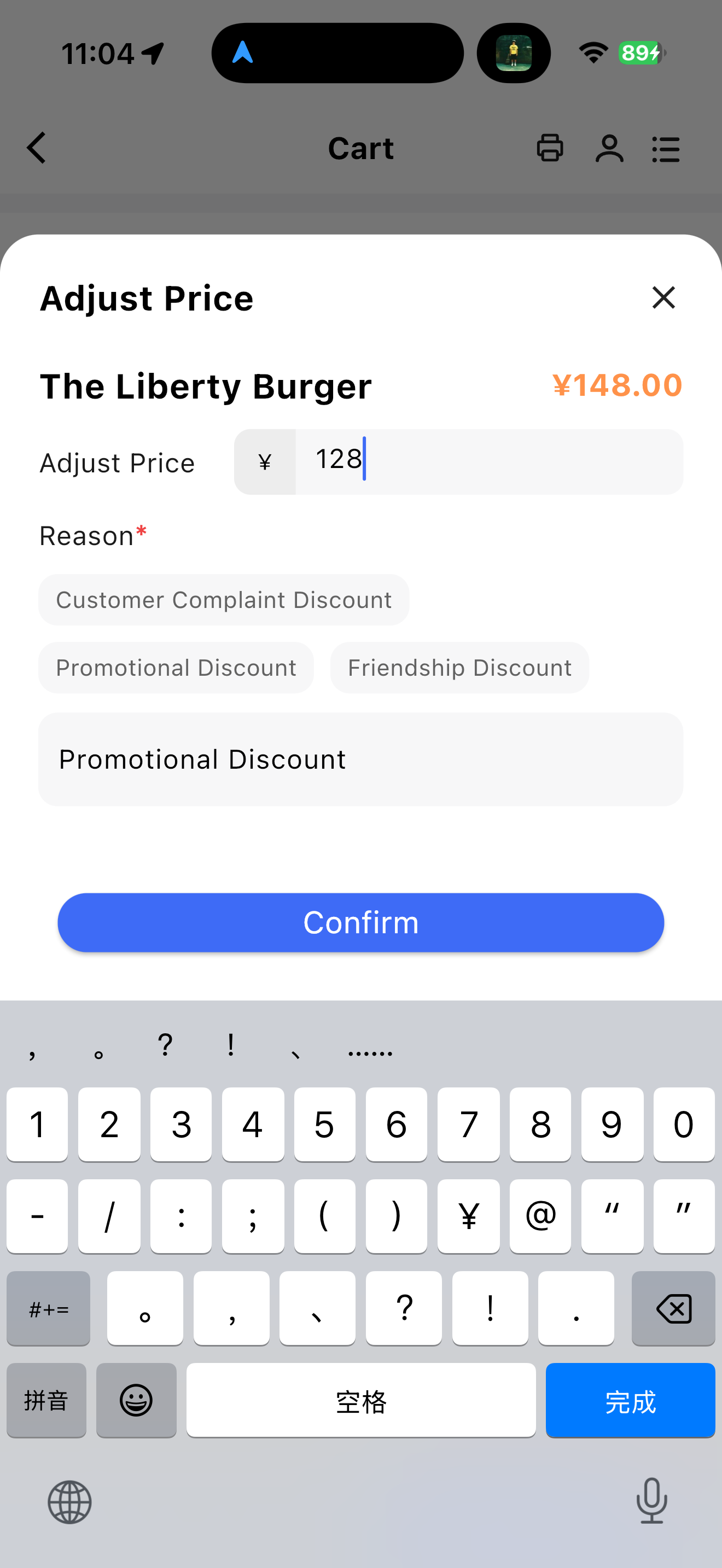
3 How to modify the price of a dish in the RS Handheld Ordering shopping cart?
A: In the shopping cart, tap the dish you want to change. In the pop-up window, tap Modify Price, enter the new price and reason, and confirm.
Last updated on: