RS Insight
1 What do the different colors for MoM (Month-over-Month) trends represent in RS Insight?
A: The color coding for growth and decline varies by region:
-
Mainland China:
- Red: Indicates an Increase.
- Green: Indicates a Decrease.
-
International:
- Green: Indicates an Increase.
- Red: Indicates a Decrease.
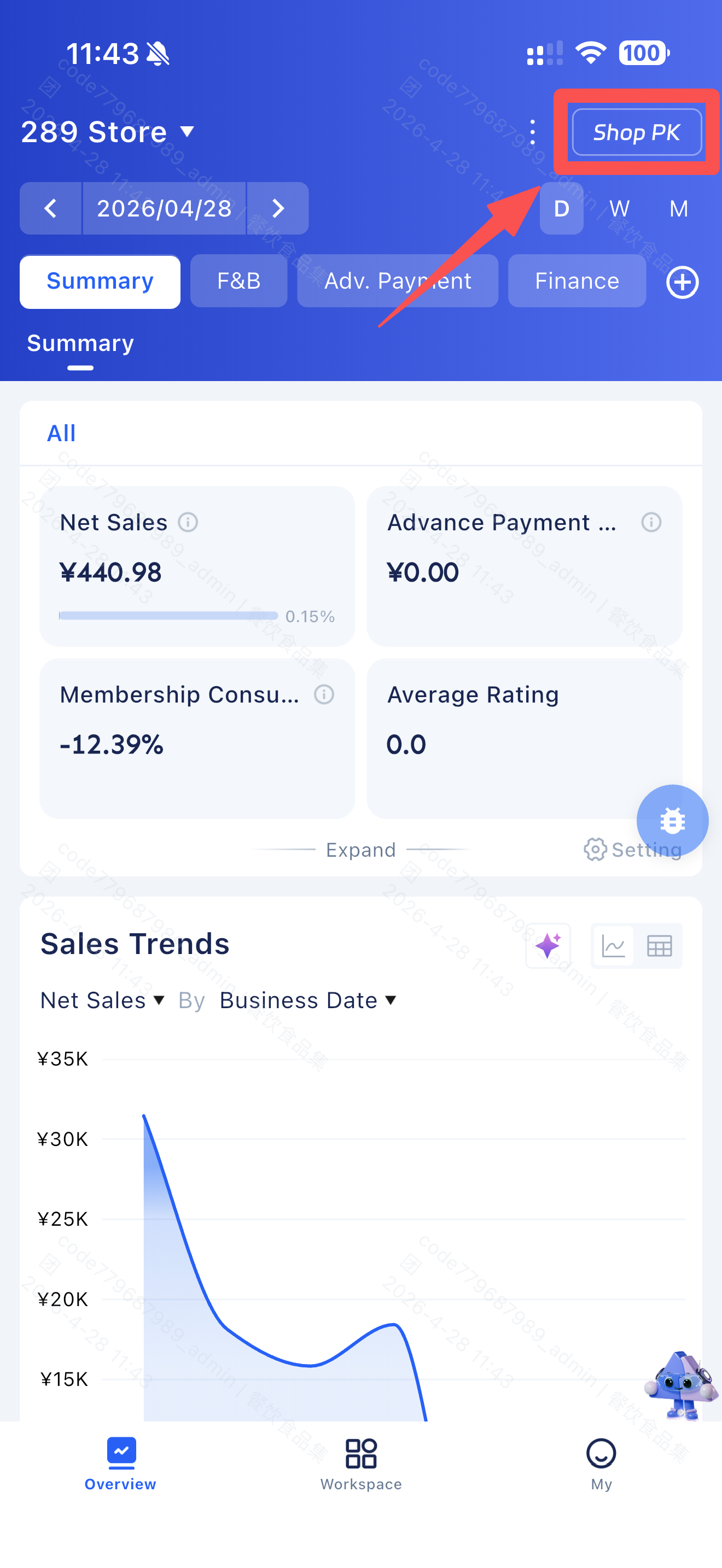
2 How do I enable or adjust “Store PK” (Store Comparison) on the RS Insight homepage?
A: To configure the Store PK feature:
STEP 1: Go to the homepage.
STEP 2: Tap the “Three Dots” (More Options) icon.
STEP 3: Select your preferred PK Type to display the comparison.
Last updated on: